Software development in collaboration with Agents
The difference between a professional and an amateur is practice and attention to details. A professional athlete will spend hours in the gym seeking to improve a given skill. During competition the same athlete will seek to execute this skill to the best of their ability. This includes all the nuanced techniques that were honed during practice. An artist you will see a similar pattern. An artist will focus on techniques and approaches to development of their work. While creative in nature, the skills like that of an athlete result in a work that exceeds the average amature.
Like painting or other creative work, software development is a blend of skill and art. There is no one way to design a technical solution to meet a business need. There are compromises and constraints that need to be factored into any solution of reasonable size. In my early years in my career, it was a frequent phrase of “Good, Fast, Cheap — Pick two!” You learn with any large solution requires careful consideration around a given decision. These trade-offs and decisions are tracked and inventoried for any successful project. The rationale is that a production ready product is more than just releasing to the market but how do you support and maintain this solution. In 2 years when there is a problem and a given component is the limiting factor knowing why it was selected over an alternative is critical to avoid introducing other problems into the larger solution.
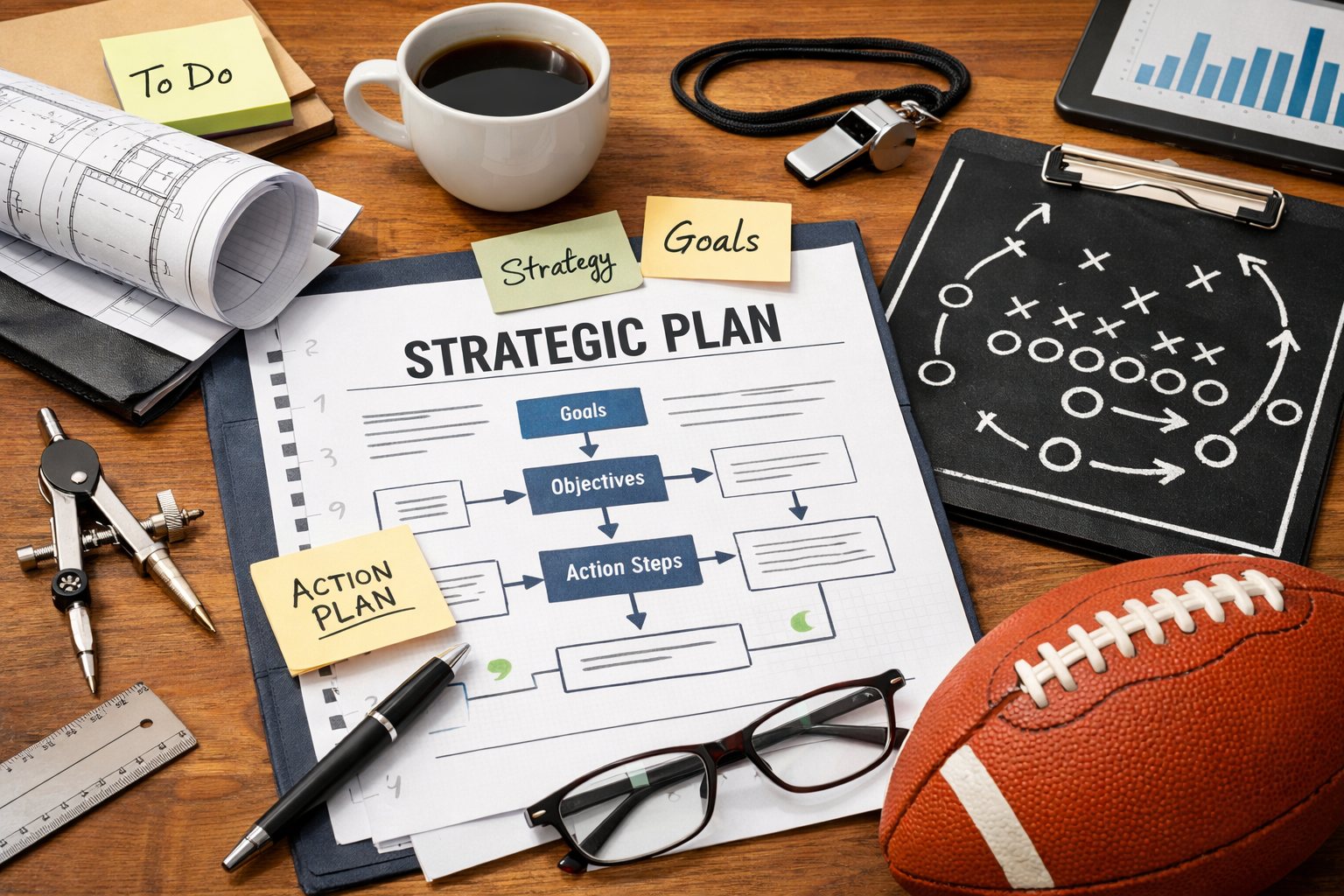
Beyond the decisions, there also needs to be a plan. Before any game is played, a professional team has a “game plan” for how to compete. Software development is no different. A high-level design, a detailed design, sequence diagrams, etc. are all well documented and articulated to provide a consistent roadmap across a development team. This documentation provides the support needed by the different developers to remain consistent and true to the overarching plan. Once released these artifacts provide a guide for supporting and modifying the code base safely. In the end, the difference between an hobbyist and a professional developer can come down to documentation! have you documented your code, your architecture, your decisions?
Coding with an Agent?
I am excited about the future of our profession. Its always a joy to learn a new programming language. dig into the details and the trade-offs. How does it handle typing, what about memory management, etc.? The same goes with tools and packages. The first time I created a virtual machine on my local host was wow, and in the cloud! well, that just nudged my career in a whole new direction.
Like the athlete practicing a given skill, software development is no different. Taking the time to create small “hello world” or your favorite problem across different technologies provides a mental model of what to expect. One of my favorite toy problems was a deck of cards. Creating a deck of cards, you can shuffle, deal, etc. is an easy to grasp problem that lets me explore different programming languages, packages, or whatever technique I wish to “practice.” This weekend “geek out time” prepares me for game-day when I need to consider or apply a technolgy to a problem.
There is an opinion that I don’t need to consider or understand the code as the “AI” is smart enough to do it all. To that I call your attention to the “A” as in Artificial. I’ve used auto-complete and spell checkers to help with emails (and even this post) yet I would not trust an auto-complete to write the email, post, etc. I am responsible for the outcome! This is especially true of modern software solutions. Bugs, security issues do not go away because an automation has expanded or created larger portions of code than prior approaches such as using a library of code snippets or imported modules.
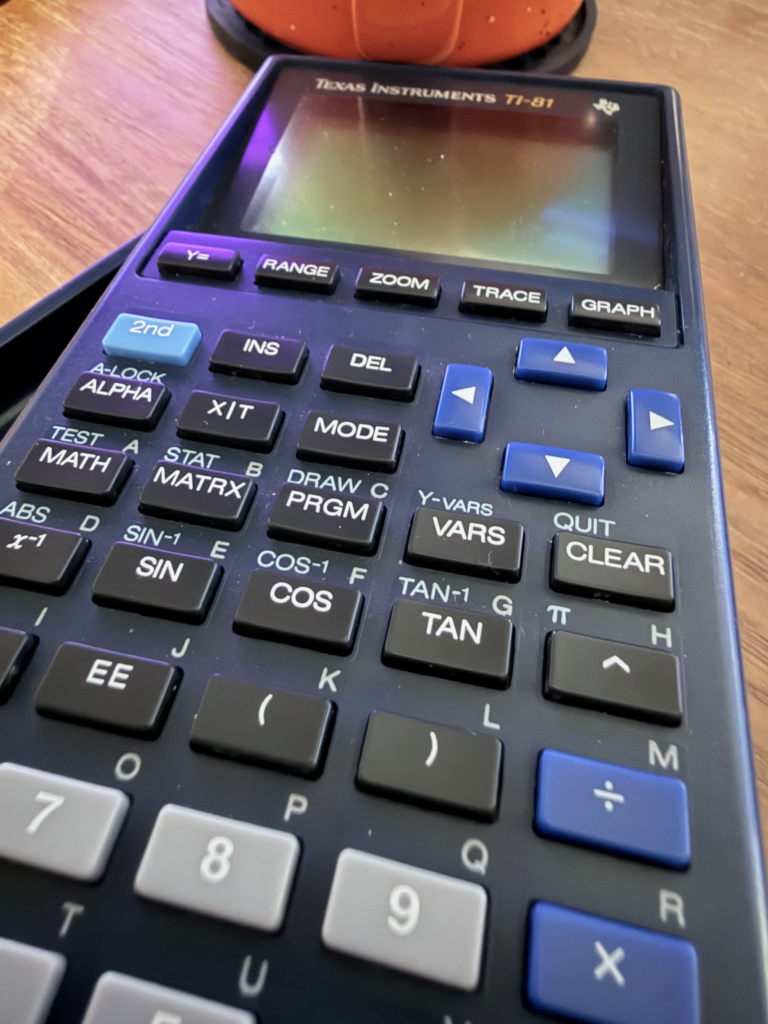
I am reminded of my school days. Before you could use a graphing calculator, you had to clearly demonstrate the skill of plotting a function by hand. Once you demonstrated you have the skill and the understanding then the calculator became a tool to help you work faster. In the absence of that understanding the graphing calculator would make for a dangerous combination (at least for passing a test it would)!
Why do we treat code any differently? Especially, code that is intended for solving real-world business problems. Having a clear understanding of the design and the ability to use the technology without an agent assist enables you to work faster. Without that understanding, well your grade may reflect that at the end of the semester!
A bit of an experiment
One of the great things about technology is that it’s always changing. New and better approaches come along and help us solve a problem we couldn’t before, work more efficiently, lowers cost, and or even address a security vulnerability. A more recent approach is “architecture as code.”
What interests me for this experiment is can I take architecture as code, more specifically, diagrams as code along with a decision log and in concert with an agent develop a solution that requires more complexity than a deck of cards?
This small sample size of course is not to intended to imply this is the only way or the optimal way. Rather, this is my log and observations.
Setup
In this scenario my fictious company is looking for venture capital. We need a demo that can be quickly spun up on the local computer, yet demonstrates the different components closer to how they would be deployed in production. The domain is an inventory management system.
My rules of the road. While I enjoy coding in this scenario, I’m limiting myself to a knowledgeable architect and acting as a project manager. I can collaborate with the developer, lets call him “Claude” but I will not write any code. My responsibilities are to collaborate with the architecture, sign off on every step and constrain agency.
Workflow
Architecture
It all starts with the architecture. I selected a common diagram as code package as the foundation and with an interactive session I narrowed Claude’s attention to a bit of a debate around the architecture. The resulting artifacts are then created and organized in the project.
The next item was establishing an architecture decision log. Why was one technology chosen over another? I as the human narrowed choices such as programming languages and hosting environments but for the most part it was collaborative with Claude doing the heavy lifting and all the documentation. By employing a diagram as code I had a human friendly visual I could use to validate that the code Claude generated aligned with my expectations.
Lets step back for a second. Context rot is real! This data point helps shape my approach, by having smaller crisp set of text enables me to keep the context and focused more narrow. In addition, the organization of the artifacts was by design spread across multiple files for this same reason. Again, shaping how Claude creates the artifacts sets the stage for the next step. For each step when in doubt create a new session. Don’t let your history fill up! keep the history clean and focused. Stay on topic.
Start with testing
Now that we have the architecture clearly defined I tasked Claude to create a series of unit tests against the architecture. Again, I encouraged Claude to break out the tests into logical test scripts by area of concern. Architecture as a unit test is a common pattern and with this approach I’m seeking to replicate that here.
Prepare a plan
Putting on my project manager hat I then demanded of Claude a development plan. How were they going to organize the code, and to prepare this scaffolding. It’s important here that Claude is not writing the full modules. Only creating the files and stubbing out the code as needed.
Development
Using the plan we agreed upon I prompted Claude with a new dialog for each step. As each dialog is constrained to a specific area of development as outlined in the plan and refererred back to the architecture Claud was able to focus on developing as outlined. The phase was complete when the testing passed. In addition to the architecture tests Claude was encouraged to ensure solid code coverage for testing all aspects of the development.
Expanding
Now that we had MVP solution, I challenged Claude to create a nice web interface for use in demonstrations. As in the development I encouraged Claude to review the architecture documentation before any development. Claude design and prepared a solid web interface on the first try that aligned to the spirit and design of what I expected.
This helped re-affirm that the employ of a defined architecture aided in code modification. Claude was able to produce a clear and functional web interface without requiring changes to any upstream services and the demonstration page aligned nicely to the desired outcome.
And validate
As I noted earlier, I am responsible for the outcome! Human testing (functional testing) and validation is key. I found several bugs and things I thought could be improved upon. This led to a series of dialogs with Claude to address the bugs and user experience improvements (and yes, you should not trust this code for anything remotely close to production).
I lastly followed it up with asking Claude to inspect the entire code base for adherence to the architecture and prepare a report with any findings. This led to two items found that were missed during my manual testing. In a real-world scenario I’d be doing a lot more to validate and ensure the code as well as that generated by AI aligns to the architecture pattern. For this experiment a quick pass with Claude a was sufficient. My expectation is that for a project this size, intended for production this would be hours of review and testing at a minimum. For this experiment Claude plus a quick skim of the code was sufficient to validate the concept.
Conclusions
As expected, I found that grounding the project with a clearly defined set of architecture artifacts and isolating each dialog to a narrow perspective (I believe) helped improve token efficiency and avoided drift in design. Overall, I am happy with the results. While this is not something I would do on “game day” there are aspects that I intend to carry forward such as the diagrams as code. I have an opinion (way more testing needed for me to strengthen that statement) that this diagram as code helped in the automation of development. Doing this project by hand would have been weeks of work versus the hours this experiment took to get to this same level of development.
You can find Claude’s work at https://github.com/fred78108/aac-orders.
Overall, this re-affirms by belief that our methods of development are shifting. This is not good or bad, it just is. Looking back on the earliest computers and the extremely manual (and physical) methods of programming, to the punch cards, to the earliest IDEs, code libraries, snippets, etc. our methods by which we express an intent to a machine, to program have evolved. Every evolution resulted in productivity gains. Natural language is just the latest in this evolution. Critical thought and planning will remain a critical component for years to come in with the practice of professional coding. We as a practice should embrace and explore the boundaries of this new wave and find balance and optimal patterns for not only the community but for our own workflows. For my personal workflow I’ll be looking to weave in more architecture as code with any project where I’m employing an AI development partner such as Claude.